


W3230 12v Temperature Controller
Multi-mode: LED Digital Temperature Controller can choose cooling or heating mode.
Limits: W3230 Digital Temperature Controller can set the highest/lowest upper temperature to avoid accidents.
Keep the temperature constant: Thermostat Switch Sensor Meter has an automatic start to cool or heat to keep the temperature constant.
Calibration Temperature: Thermostat Switch Sensor Meter can be use for temperature calibration and temperature calibration as require.
Alarm: High temperature alarm. When the temperature of digital Temperature Controller reaches the set temperature, the controller alarms.
The temperature control output is a 10A relay, which can meet various high-power loads. Please make sure the circuit is correct.Indicator light, digital tube status:Indicator light: off means the relay is disconnect, and on means the relay is close
Digital tube: display “– –“,
Material
electronic element
Voltage
DC 12V
Power
120/240/1500W (Optional)
Weight
Approx.48g/1.7oz
Package list
1 x Digital Thermostat Temperature Alarm Controller Sensor
W3230 12v Temperature Controller
1. Check whether the temperature sensor is missing or damage
2. High temperature protection of heating mode
3. Low temperature protection in refrigeration mode
The relay in protection mode is automatically disconnect.
Use of keys: the thermostat panel has three keys, keys + keys – SET keys
Key + : fast accumulation of values
Key -: to achieve the rapid decline of the value
Press Restart: Restart the button en.wikipedia.org
SET: realize the setting temperature setting interface and parameter setting interface of the two-layer interface
SET short press digital tube (bottom) to SET the temperature quickly. Default – 20℃and 0℃, 20℃and 40℃, 60℃, 80℃, 100℃, and other data set convenient user quick call. For example: use need to SET 68.8℃, fit short press SET to 60℃, and then through the buttons and fine-tune to the corresponding temperature. After setting, wait for 5s to automatically store data in memory. Compare with the fit generation of thermostat, the second generation is more convenient and flexible to operate, and the dual LED display of the actual temperature and the set temperature is more convenient to observe.
Long press SET to enter the parameter setting interface. P0-p5 is the corresponding parameter setting item. Under the parameter setting menu, short press SET can be use to switch p0-p5. To modify a parameter, simply switch to the corresponding item and set it by adding or subtracting keys. Long press SET to save data after setting, or wait 6s to save data automatically.
P3 setting 1 means that the thermostat will stop running for 1 minute, and long press SET to trigger again.
P4 setting 1 means the thermostat will start working after 1 minute.
Long press SET to trigger again.
P5 is set as OFF by default.
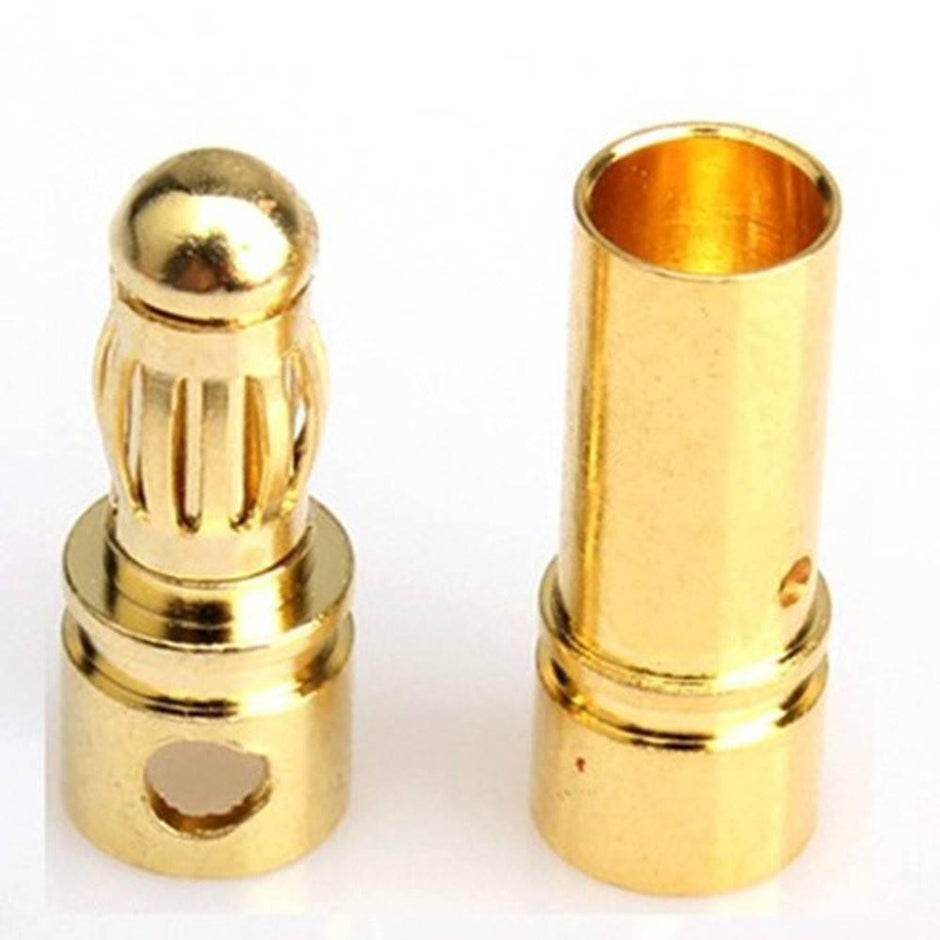
3.5mm Gold Bullet Connector Battery Esc Plug
₨ 104
10 sold - 29 sold in last 28 days
| Weight | 1 kg |
|---|---|
| Dimensions | 2 × 2 × 2 cm |
| Quality | Orignal |


Reviews
There are no reviews yet.